
At Google IO this year everyone was talking about the Android Studio Bot AI assistant that helps developers create layouts and tests, and answers questions specific to your codebase and errors. While Studio Bot is currently only available in the US there were two other announcements that have already improved my development workflow and productivity over the past week of using them.
Layout Inspector Embedded in Emulator
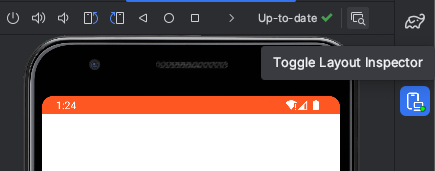
I have to admit I don’t use Layout Manager a lot because it takes up a significant amount of on-screen real estate. In the canary Hedgehog release a new Toggle Layout Inspector button appears at the top of the emulator panel; click it and a few seconds later the layout inspector is overlayed directly on top of the emulator!
With this configuration it feels a lot like Chrome’s Developer Tools, where we are presented with the screen’s nested hierarchy directly in the browser. We can also select and drill down into the component we’re interested in using the Toggle Deep Inspect button.
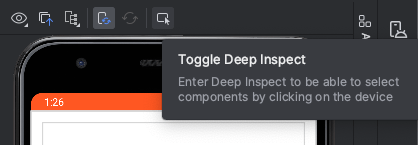
When using Compose we can also view each Composable’s recomposition count directly next to it in the Component Tree. Recomposition is also indicated on the emulator with blue highlights for low numbers of recompositions and red when recomposition is happening more than it should, similar to the old on-device overlay indicators. These features are not new but they’re so much more useful in the context of the emulator.

Network Inspection Rules
First introduced in Android Studio Flamingo, the improved Network Inspection panel now contains a Rules tab where you can intercept and alter the responses coming back from APIs. It’s basically Charles Proxy without the ability to export and share sessions.
In the past I’ve encountered issues running Charles Proxy due to network restrictions, corporate proxys and VPNs. My experience using the built-in Android Studio network rules has been great: pretty much everything works with no setup or installation, meaning no loss of focus like I used to experience when context switching from Android Studio to Charles.
If you’ve used Charles this is pretty familiar: enter the endpoint details you’d like to intercept, then nominate what you’d like to modify.
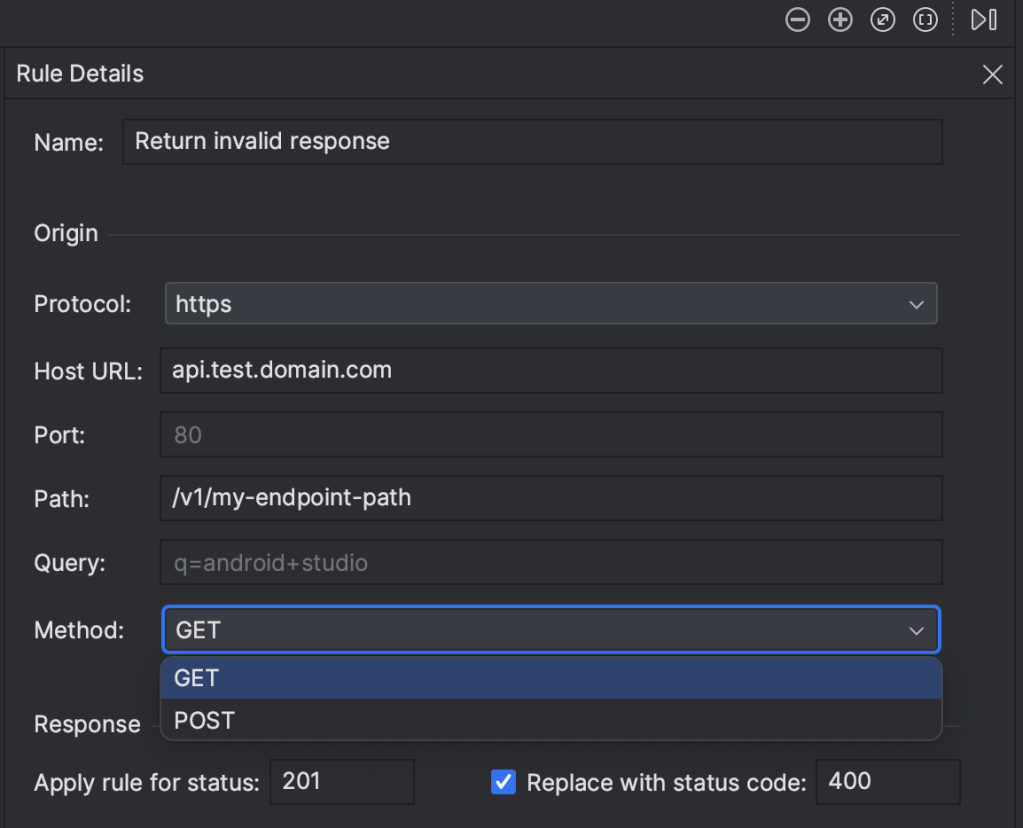
One downside is we only have the option to intercept GET or POST calls; I’m not sure why PUT wouldn’t be included.
To modify status codes there is an option to replace one status code with another. We can also nominate header values to be replaced using blanket rules or regex for specific values.
The most useful aspect or this feature is the Body rules, allowing us to replace field values in the API response to simulate different edge cases in the UI. Simply copy the “real” response from the Connection View, past it into the rule’s Body rule and modify what you want to test. Don’t forget to select the “Replace entire body”option if you’re not targeting specific parts of the response.

Get on the Hedgehog
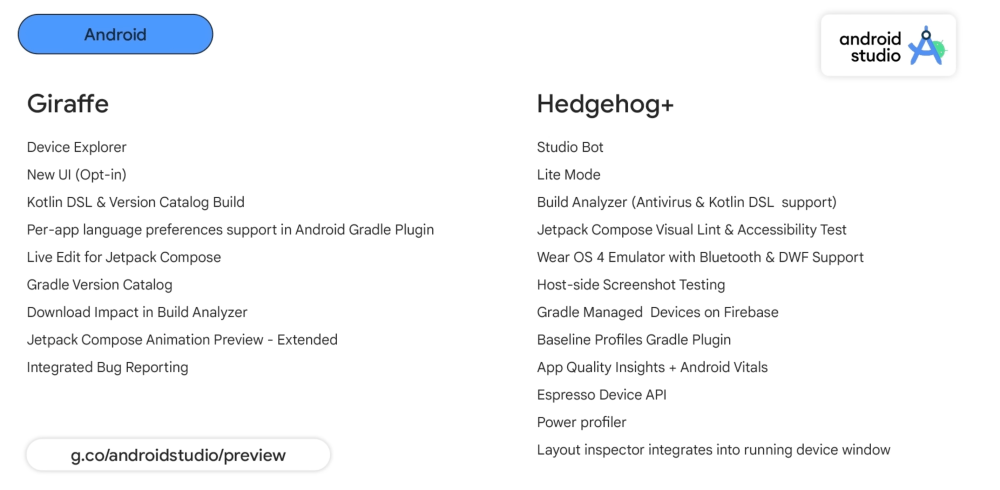
Besides the features shown above, Android Studio Hedgehog — currently in canary preview — is a goldmine of new features and incremental improvements. I’ve used it for a week: it’s only crashed once and seems very stable for an early preview. Don’t be scared to use it — the benefits definitely outweigh any stability issues. Here’s a summary of the release notes for both Giraffe and Hedgehog:

 App Kitchen