

My priority when building the Bench Mate app was to get an Android app into testing and production quickly so I could get feedback and develop a core set of useful features. But I wanted to do as much as possible to make building an iOS version easier in the future, if needed.
Multiplatform as Data Layer
Kotlin Mutliplatform can be used to create a codebase containing everything needed create both Android and iOS apps using some shared cross-platform components. However, this approach really locks us into the Multiplatform technology and results in a fairly complicated codebase.
Instead, I prefer the idea of using Multiplatform to create a shared data layer containing all the network/API integration, database interactions and domain models, which is then imported into both Android and iOS apps as a simple dependency. These apps remain completely native and any change to the multiplatform data layer takes effect in both apps!
The creation of this data layer did take a lot of trial and error to get working on Android. For example I initially made the mistake initially of building it as a JVM artefact rather than Android, but found that the SQLDelight driver for JVM simply didn’t work for me.
The Kotlin Multiplatform data layer, which at this point simply creates and retrieves player entries in the database, is open source and can be viewed here.
Android Integration
After building the multiplatform data layer I deploy it to Maven Local and add its dependency to my Android app. In the future this will be stored in an Artefactory type repository but this works well for a single developer.
I can now add players to the database, update their status and retrieve a complete list of players. It’s pretty nice the way the data layer abstracts all of the Multiplatform and database functionality and leaves me with a completely native Android app.
One thing I’m yet to figure out is dependency injection of the data layer classes into the app. My workaround for now is to have a use case that simply acts as a wrapper in order to enable unit testing of my view model. 😬
Dynamic Colour Scheme
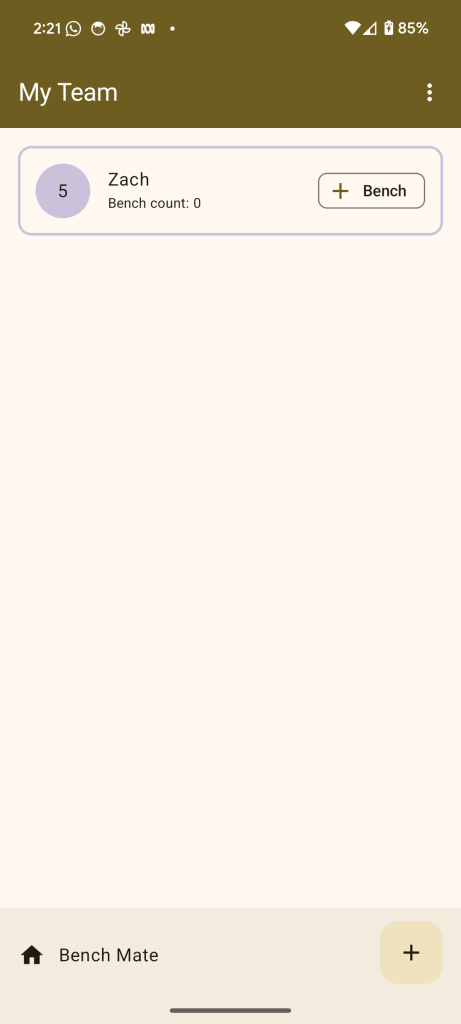
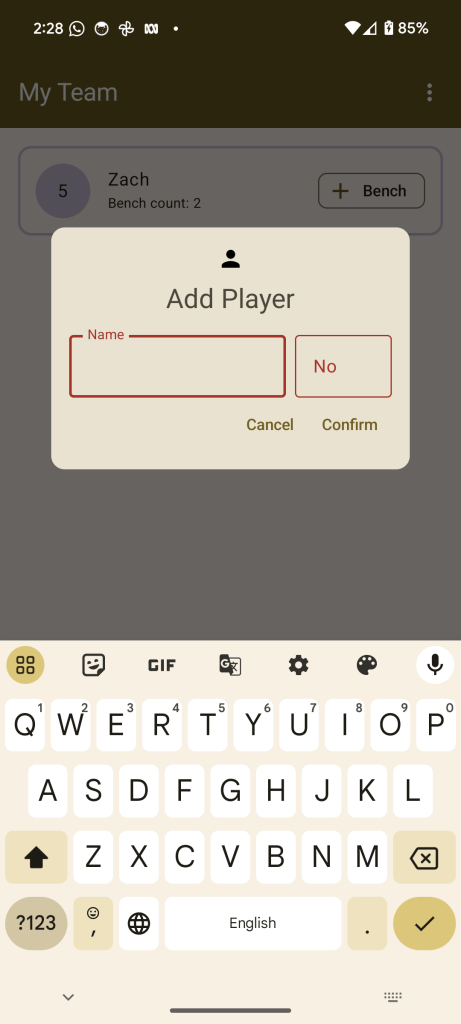
When building an app from scratch it can be time consuming to setup the light and dark colour palettes in the Material Design theme, which is then inherited by the UI components in our Compose UI toolkit. So I decided to try the Material Design 3 dynamic colour palette, which creates light and dark colour schemes from the user’s wallpaper image.
In the example below the image of my dog on the left is used to create the colour theme inherited by the UI components in the Bench Mate app.

The Android app is also open source; you can view the repository here. And of course it is available to download on the Play Store:

As usual I’d love to hear about your experiences using these technologies, especially Multiplatform. Hit me up in the comments below! 😀
 App Kitchen
One response to “Bench Mate App Under the Hood: Kotlin Multiplatform, SqlDelight, Compose & Material 3 Dynamic Colour”
[…] A technical description of how I built Bench Mate can be found here. […]
LikeLike