

Last year I started coaching my son’s football team and was immediately overwhelmed by the task of rotating the players on the bench. It was not uncommon for us to have four players at a time on the bench with each player coming off twice during the match; with 22 players on the team that’s 44 rotations I need to keep track of!
As with most apps the idea started with a piece of paper and a pen, with which I would write down each player’s name as they came off, and put a line next to their name each time they returned to the bench. It sounds pretty simple but during the game there are a lot of distractions and I would inevitably end up with a chaotic series of illegible scribbles by half time.
What I needed from an app was a simple list of players that I could use to add and remove players from the bench. I also liked the idea of being able to create the team list as I added players to the bench, rather than having to set it up ahead of time (as I attempted to do with my piece of paper).
There are a few other apps with similar functionality but they are largely bundled with over-complicated team management features that I simply didn’t need. Coincidently, the AFL’s technology partner Rookie Me recently released its Play game management app but it’s available only on iPhone/iPad and not Android. 🙄
So my first step was to build an Android app that I could use on game day to test out its usefulness. I immediately realised I needed to filter the players on bench to the top so I could remove players without scrolling.

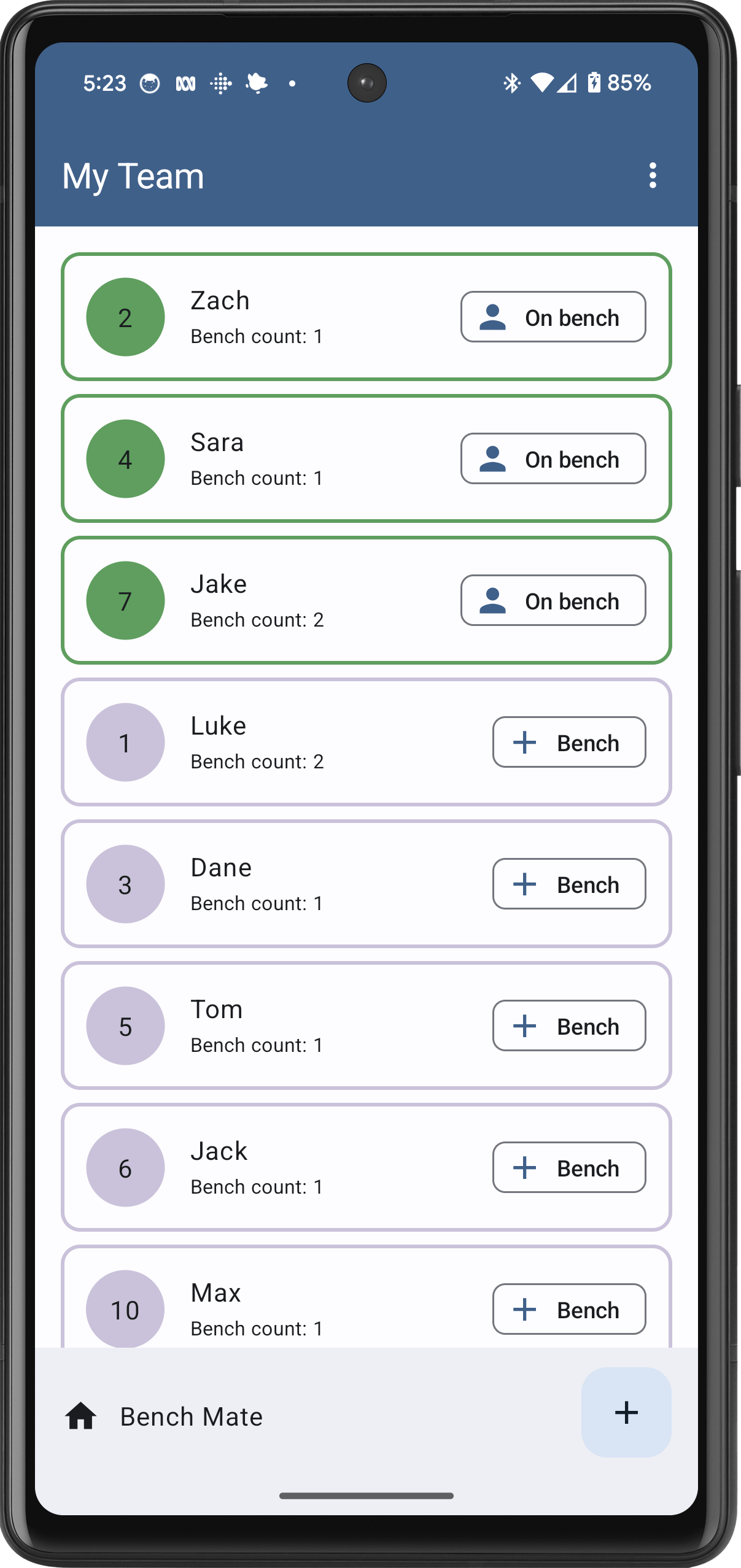

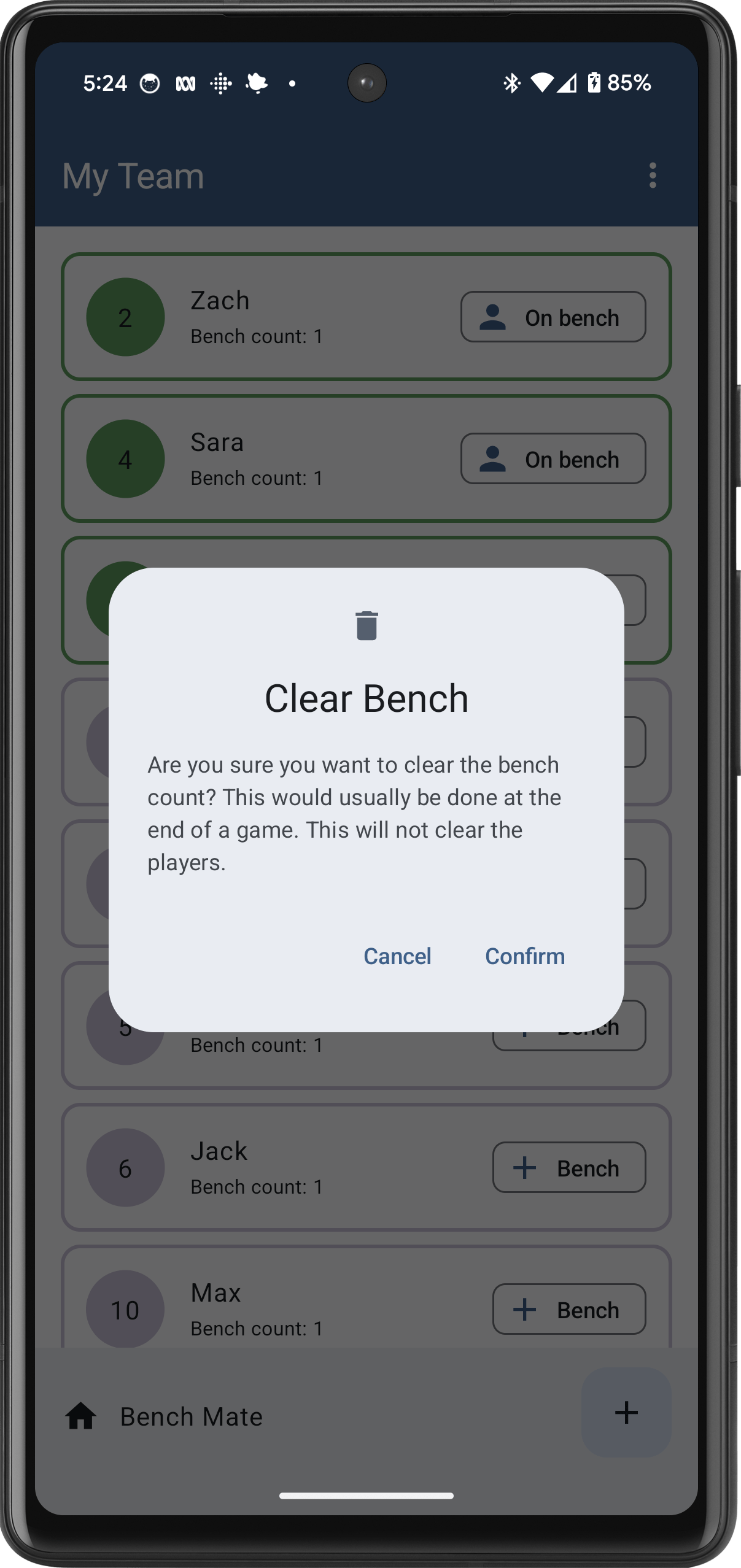
Bench Mate is now publicly available with this initial set of features, and can be downloaded here. In the near future I plan to add the following features:
- Deactivate players that aren’t playing or get injured
- Edit player details
- Time counter of how long a player is on the bench
A technical description of how I built Bench Mate can be found here.
Please leave a comment or drop me a message using the Contact form if you have any other requests, feedback or suggestions.


 App Kitchen